Payment Links - Kartivo
Payment Links

Accept Payments Instantly — No Funnel or Website Needed

Kartivo Payment Links let you collect payments instantly by sharing a simple link. Create a payment link, send it to your customers, and start receiving payments without building a full funnel or website.

Try Kartivo Free

Create a Payment Link in
3 Simple Steps

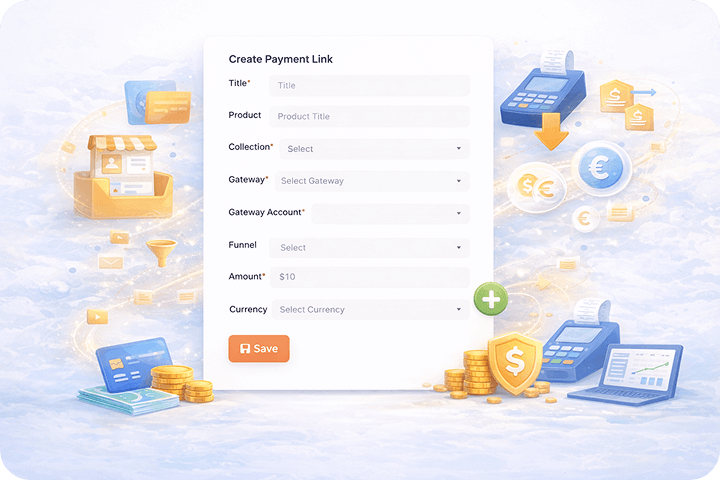
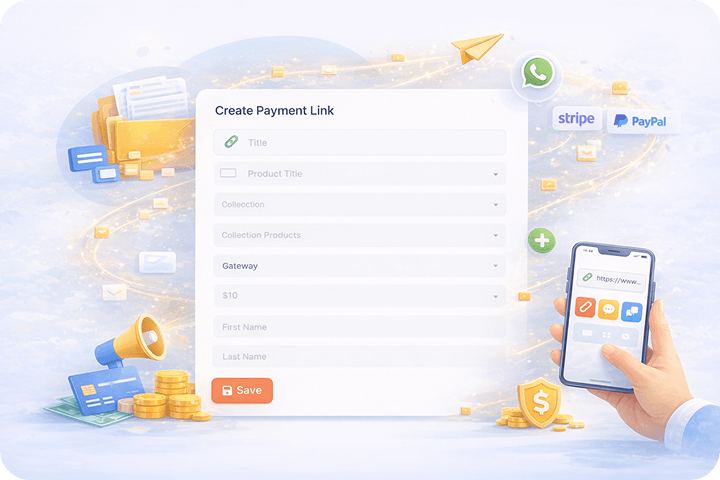
1. Select Product & Payment Details

Choose your collection, product, payment gateway, currency, and set the amount you want to charge.

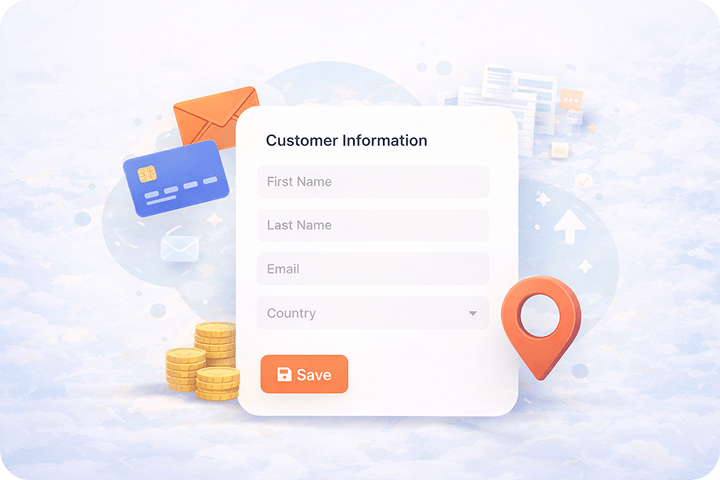
2. Add Customer Information

Enter basic customer details like name, email, and country for accurate payment records.

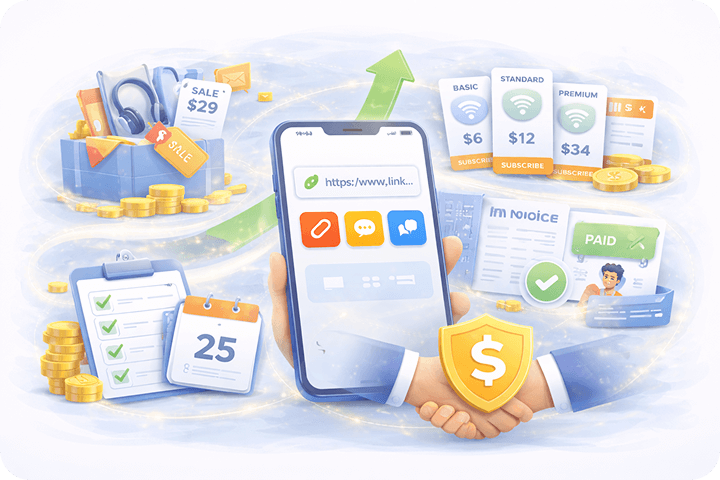
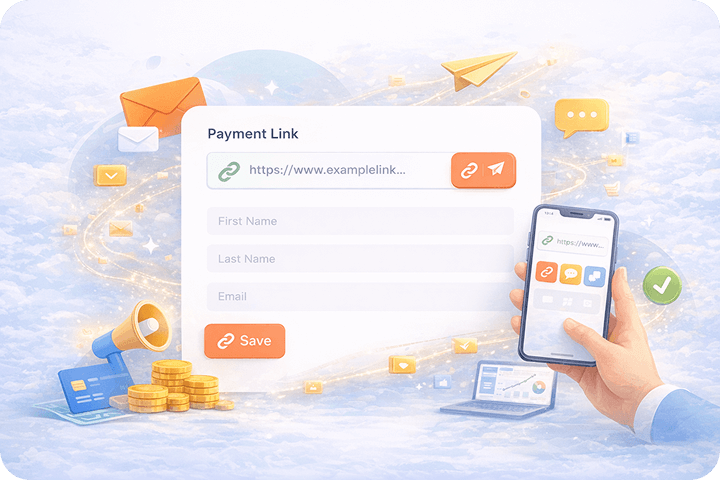
3. Generate & Share the Link

Save the payment link and instantly share it with customers to start accepting payments.

Step 1 Step 2 Step 3

Create & Share Payment Links in Seconds

With Kartivo, creating a payment link takes only a few clicks. Each link is connected to your products, collections, and payment gateways automatically.

You Can:

  • Create payment links for single or multiple products
  • Connect links to existing funnels or collections
  • Share links via WhatsApp, email, social media, or ads
Centralized Payment Link Dashboard

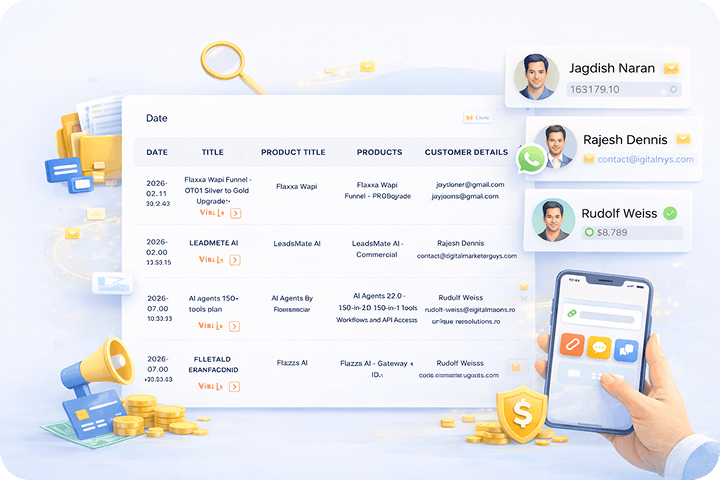
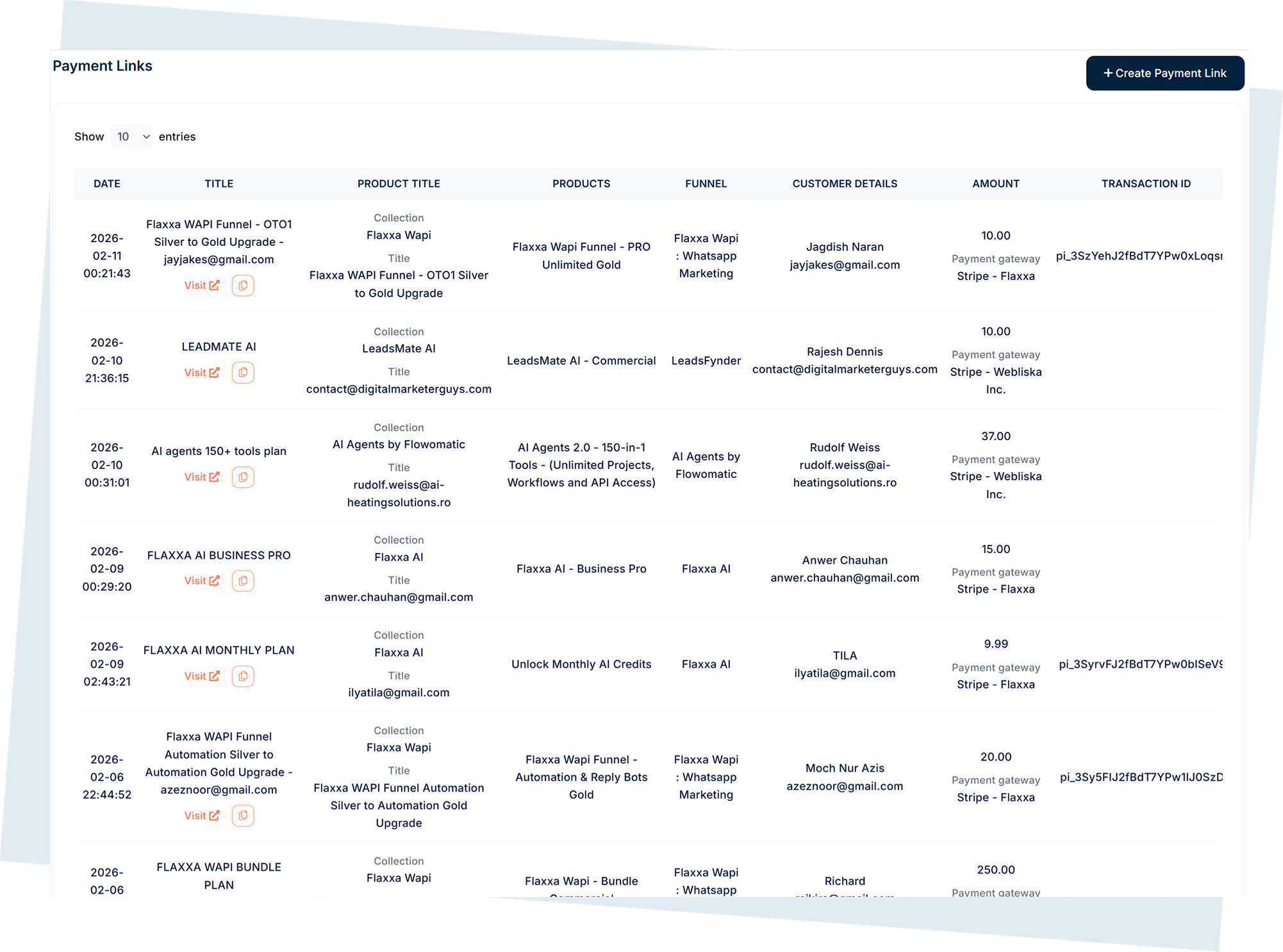
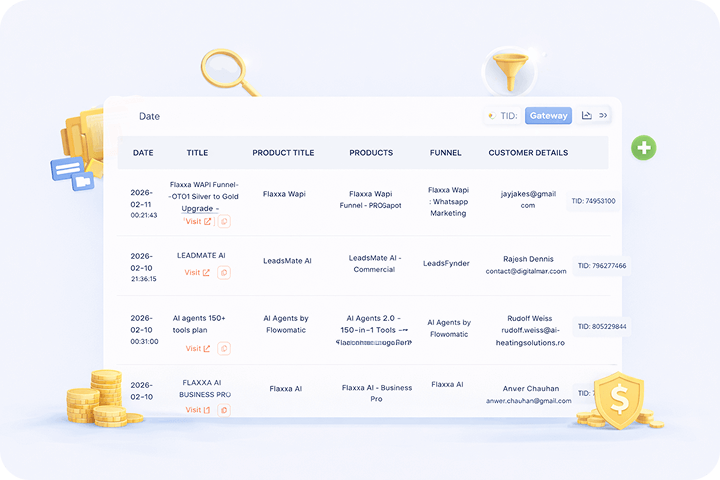
Manage all your payment links from one place. The Payment Links dashboard shows complete details for every link you create.

For each payment link, you can view:

  • Creation date and time
  • Payment link title
  • Linked collection and products
  • Associated funnel (if any)
  • Customer name and email
  • Payment amount
  • Payment gateway used
  • Transaction ID

Track Customers & Payments Easily

Every payment link records customer details automatically. You can quickly see who paid, how much they paid, and which product they purchased.

This makes Payment Links ideal for:

  • One-to-one sales
  • WhatsApp or email selling
  • Manual outreach campaigns
  • Quick product launches

Secure Payments With Connected Gateways

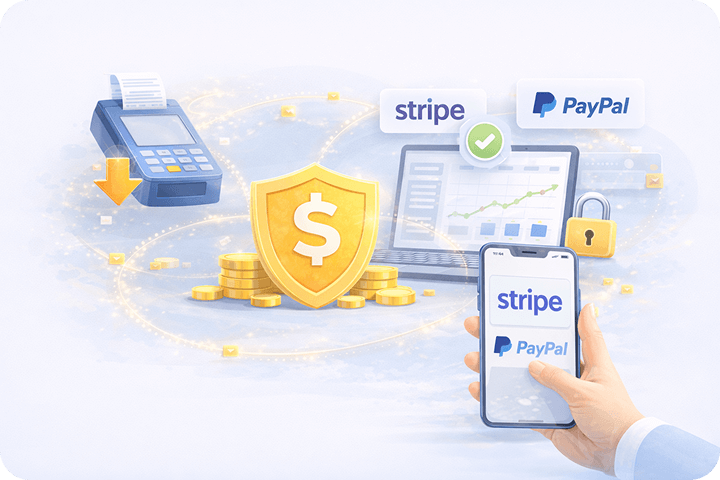
All payment links use your connected payment gateways, such as Stripe or other supported providers. Transactions are processed securely, and payment details are logged automatically.

You don’t need to configure anything separately — Kartivo handles it for you.

Flexible Use Cases

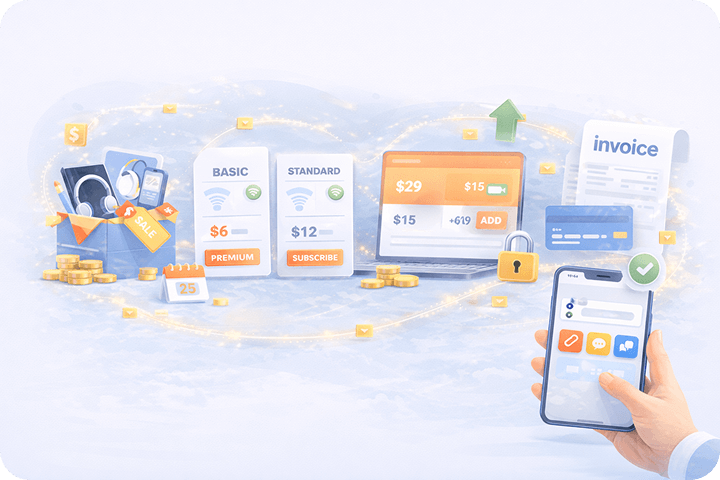
Payment Links are commonly used for:

  • Direct product sales
  • Subscription payments
  • Upsells and add-on offers
  • Custom pricing deals
  • Client invoices

Why Use Payment Links in Kartivo

Payment Links help you:

  • Collect payments faster
  • Sell without complex funnels
  • Reduce setup time
  • Track payments clearly
  • Close deals directly
🚀 Ready to grow your SaaS? Start Free Trial